Have you lost your email?
But it's not really lost!
Have you accidently deleted necessary message? Has your HDD suddenly crashed and all emails are lost now? Has your MS Windows failed and email base is empty after reinstalling? Has your system been cracked or damaged by virus or worm attack and email client displays error? It seems you'll never see your message and received file again and it's time to glean your contacts anew.
But don't be in a hurry to surrender! There is a tool to get your correspondence, attached file, address book, contacts and MS Outlook organizer entries back. All of this data is still on the hard drive and it is necessary to find and repair it.
Email Recovery is easy for SoftAmbulance customers.
Data recovery is complicated and laborious process, but not for our customers. Email Recovery is the easy-to-use and powerful software for email bases and deleted message repair and undelete. You just have to click few buttons and software automatically scans you storage device in search of message, attachments, contacts and other necessary information.
Then Email Recovery automatically scans your disk in search of email file. All pieces of lost base will be brought together and you'll get your email back. Email Recovery undeletes accidently deleted single message as well as corrupted and lost large email bases together with attached pictures, music, and video, HTMLs, documents and archives. Software works with live, damaged or even inaccessible HDD and saves recovered data to any available drive you choose.
Pre-recovery preview shows all recoverable file.
You can see your message, contacts, organizer entries, HTML letters and received pictures, videos, archives and documents before license purchasing. What you see is really what you get, so you can make sure in Email Recovery abilities before buying it. You choose message you like to undelete and select some options, and then all you need is Email Recovery license. Registration code will be sent on your email. Full version of product ownership is also gives you the right of high-quality and fast support.
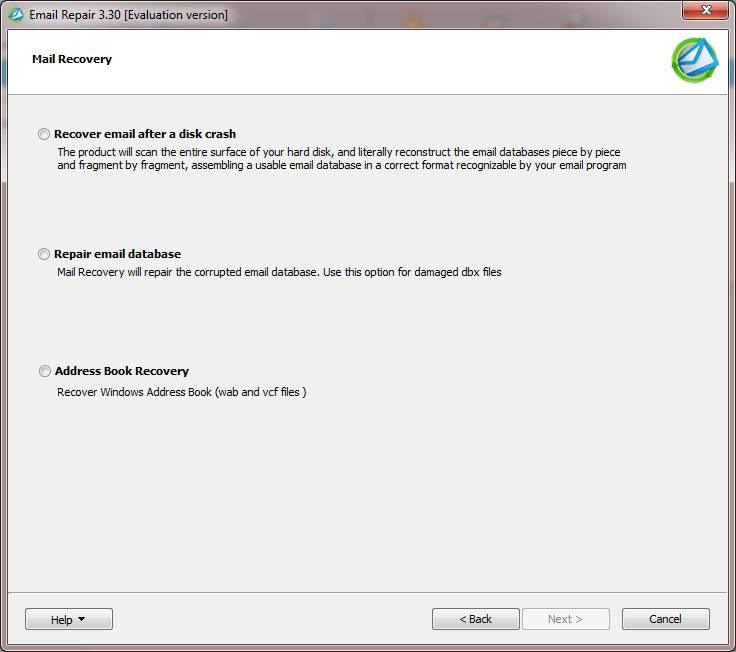
Email Recovery step by step.
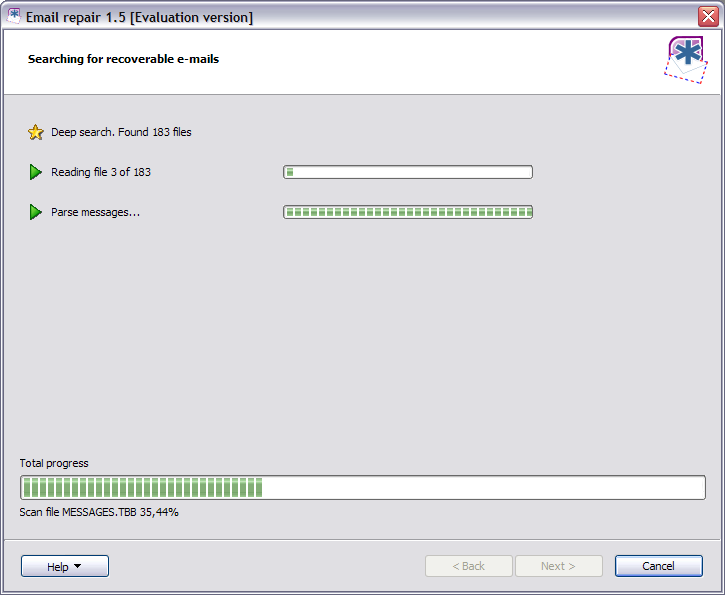
Download free copy of SoftAmbulance Email Recovery from www.softambulance.com and install it. Then run the it and follow Email Recovery Wizard instructions. You must choose task for a program and drive where lost file were stored. Disk scan can take some time, depending of the disk size. Next step is preview of recoverable file. Choose message you need and enter registration code. Then select saving options and recovery is done!
Email Recovery abilities.
Email Recovery recovers and repairs lost and damaged DBX, PST, OST, EML, MSG, TBB, Firefox, Vista mail, WAB, VCARD, VCF file. Product can save recovered file to EML, MSG, DBX, Vista Mail, Microsoft Outlook, and VCF to make reserve copy, exchange messages, or change your email client.
Email Recovery solves problem of Microsoft® Outlook, Microsoft Outlook Express®, Vista Mail®, Windows Address Book, The Bat! and Mozilla Thunderbird email base failures.
System requirements.
Email Recovery is the software to email recovery on standard PC. It works under Microsoft Windows® 8, 7, Vista, XP, 2000, and Windows® 2003, 2008, 2012 Server. And is fully compatible with MS Outlook 2013, 2010, 2007, 2003, XP, 2000, 98 and 97 versions.
Notice: Undefined variable: pageLng in /home/clients/loky1_ftp2/domains/softambulance.com/html/wolf/app/models/Page.php(334) : eval()'d code on line 27
Download
Notice: Undefined variable: pageLng in /home/clients/loky1_ftp2/domains/softambulance.com/html/wolf/app/models/Page.php(334) : eval()'d code on line 28
Buy Now