Email Recovery for Outlook Express,
Live Mail and Vista Mail
Live Mail Recovery makes it easy to recover messages and repair corrupted email databases. Fully automated operation, easy user interface, ability to recover data from corrupted or damaged hard drives and several sophisticated recovery algorithms make Live Mail Recovery a one-of-a-kind product.
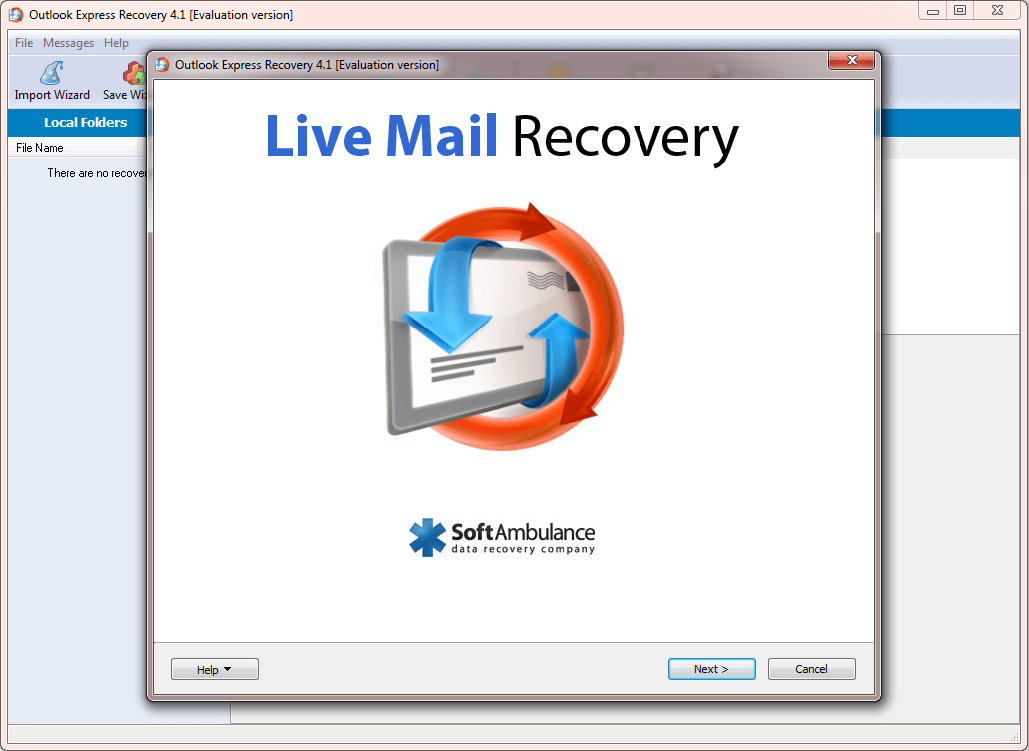
Email from Deleted Items
Recovering email messages erased from the Deleted Items folder is probably the easiest thing to do but what you gonna do if you or maintance has purged it? If you deleted an email recently and quickly used Live Mail Recovery, it only takes a few moments to get your deleted messages back.
Corrupted DBX Databases
Microsoft Outlook Express stores all messages joined into large DBX files. Should anything happen to the file, Outlook Express will be unable to access it. Live Mail Recovery can repair damaged and corrupted DBX databases, restoring them to their original condition.
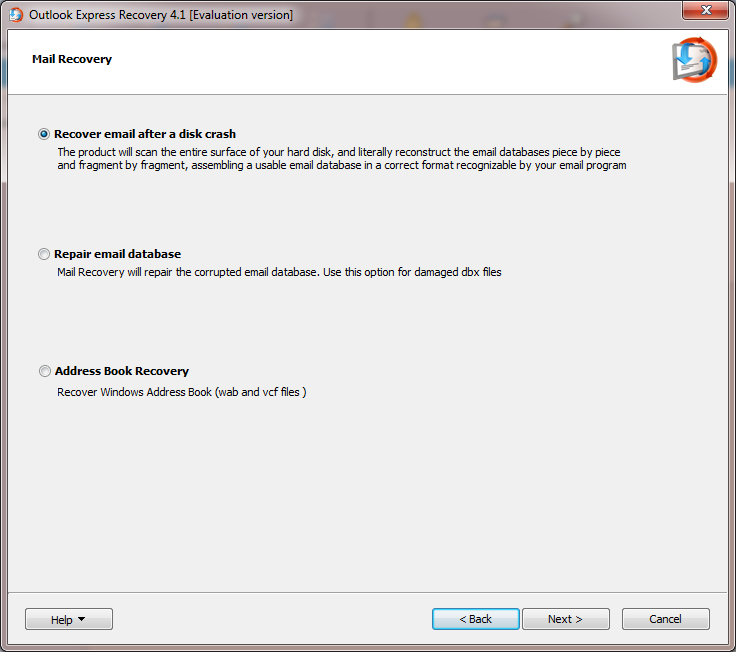
The 2 GB Problem
If a DBX database grows over two gigabytes, Outlook Express will be unable to access it, even if the database itself is absolutely fine otherwise. Live Mail Recovery will fix this issue automatically by splitting the overgrown database into smaller parts.
Email Recovery from Corrupted Disks
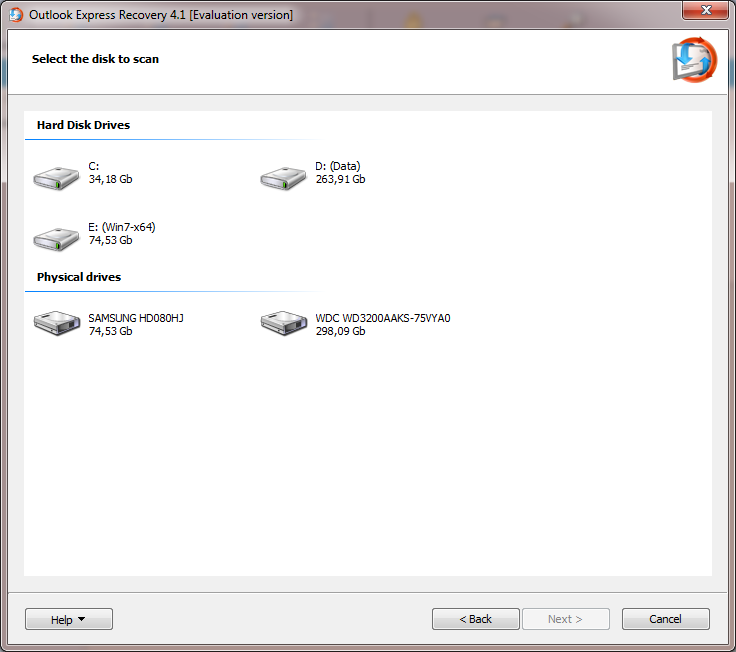
Damaged, corrupted, formatted, and repartitioned hard drives and flash memory devices can hold valuable email archives. Live Mail Recovery makes it easy to extract emails from such devices by performing the complete scan of affected media in order to locate, recover and repair any individual messages, DBX databases, and address book entries that in finds. The mail recovery tool can often recover email from disks that are not even accessible in Windows!
Windows Mail Recovery
Live Mail Recovery is able to recover built in Windows Mail services. Like Mail in Windows 10, Windows 8 and Windows Mail from Win 7 and Vista. These are very simplified compared to Outlook Express and use different file format that stores email messages as a set of individual files and databases as opposed to one large DBX file. Live Mail Recovery fully supports the recovery of email messages and databases produced by Windows 10, 8, 7 and Vista Mail.
DBX to EML Export
Live Mail Recovery makes it easy to switch email clients by extracting all messages and attachments from DBX files into individual EML files. Email in EML format is recognized and can be imported into pretty much every email client on the market, including Thunderbird, The Bat! and Live Mail.
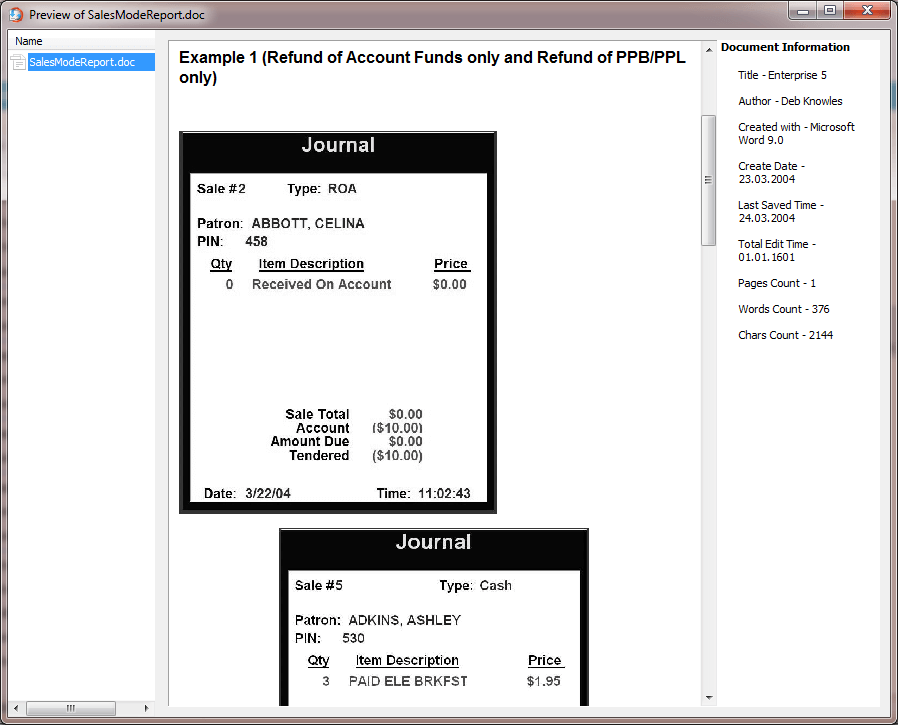
Pre-Recovery Preview
Previewing deleted messages is easy with pre-recovery preview. The feature displays email messages and attachments such as pictures, videos, and multimedia files, before actually saving the messages onto the disk.
Free Demo Available
The free demo version is available for immediate download. It comes with complete disk scan functionality, and includes pre-recovery preview. If you can view a message, the full version of Live Mail Recovery can recover it for sure!
System Requirements
Live Mail Recovery will work on any standard PC with Windows 10, 8, 7, Vista or XP on board. It needs about 30Mb of disk space to install and enough free space to save recovered files.
Notice: Undefined variable: pageLng in /home/clients/loky1_ftp2/domains/softambulance.com/html/wolf/app/models/Page.php(334) : eval()'d code on line 37
Download
Notice: Undefined variable: pageLng in /home/clients/loky1_ftp2/domains/softambulance.com/html/wolf/app/models/Page.php(334) : eval()'d code on line 38
Buy Now